“Don’t Try This at Home…”

Normally when you hear a warning like that, the implication is that the task should only be done by a trained professional, not by amateurs.

I had a different experience of this admonition today as we were getting ready for Tweetcamp III. Instead of using a phone conference call or professional video Webcasting, as we had done for our first two tweetcamps, I thought it would be great to do this one via uStream.tv.

I even tested it “at home” Saturday night, with my very first ChancellorCast embedded here on SMUG.

It seemed like the perfect solution. Put the slides on Slideshare.net. Use the PC in the room to show the slides to the local audience, and use the built-in camera on my MacBook Pro to Webcast video and audio to the 100+ participants from all over the U.S. and Canada (and even one from the Netherlands.)

Unfortunately, when I went to uStream.tv at about 8 minutes before the scheduled start of #tweetcamp3, here’s what I saw when I hit the Broadcast Now button:
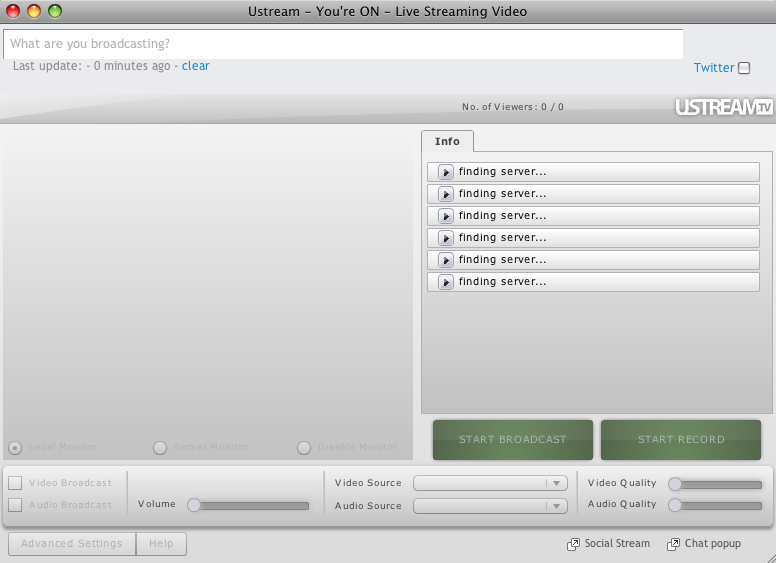
findingserver

It said it was “Finding Server” but the reality was different.

So after trying to get through for about 7 minutes, at 1:59 CDT I decided we needed to revert to the audio conference method…and after a few hiccups with getting the right number and authorization code, we were able to get going about 2:13.

In some ways it was an interesting audio representation of the “Tribe” that had gathered, because for the better part of five minutes we had a popcorn-like sound of beeps as new callers joined.

It also showed the power of Twitter, in that by using the #tweetcamp3 hashtag we could get word to almost everyone, and switch probably more than 100 participants from video Webcast to phone conference in less than 15 minutes.

My takeaway: “Don’t try this at home” has a second meaning beyond the traditional. Just because something works at home in testing doesn’t mean it will work in a presentation. It’s important to do a run-through in the exact room where the presentation is taking place, and using all of the technology that will be used in the actual event.

I generally have my slides for presentations uploaded to Slideshare.net for two reasons:

  • I don’t like to give out the presentation in hard copy, because I want to have people looking at me and the screen instead of their laps. I don’t want them reading ahead either. By having the presentation on Slideshare, I can tell them where they will be able to refer later, and we can just engage in discussion.
  • In a pinch, I can present from the Web instead of my computer, so if for some reason my computer doesn’t talk nicely with the LCD projector I can use one that does.

It’s what grandpa used to do when he would wear both a belt and suspenders to ensure that his trousers stayed put.

It’s good that we had audio conferencing as another option. It would have been better to try the broadcast from within the room when I arrived there about 25 minutes before the program’s scheduled start. I just though that since I could get to uStream.tv from behind the firewall I wouldn’t have any problem connecting to the Video server.

I know better now.

And let this be a lesson to you, too.

Thanks to everyone who participated in Tweetcamp III today. I hope you found it helpful and worthwhile. I look forward to going through the #tweetcamp3 tweets and seeing what I can learn.

I won’t thank you for your patience, because I don’t know whether you were patient or not. Maybe you were secretly stewing. But at least nobody flamed me. So I’ll thank you for that, and for hanging in as we worked out the kinks.

Update 8:45 p.m. 7/13: I was able to record the video Webcast tonight, so now I think the Tweetcamp III post is a nice archive you could share with people you want to introduce to Twitter.
Twitter 152: Tweetcamp III

Here are the slides and the video Webcast window for Tweetcamp III (#tweetcamp3), which will be held Monday, July 13, 2009 from 3-4 EDT. Please note that the video window will not be live until the time of the program, but you may preview the slides if you wish.

Update 4:30 p.m. CDT July 13: We had some technical difficulties with uStream.tv (I’m fairly certain they were related to our firewall) so we had to do Tweetcamp III via phone conference instead of Webcast. I will probably do did an encore (or take a Mulligan) tonight from home that you can see below.

Update 7:30 p.m. CDT July 13: Hit play on the video below, and then you can follow along as I narrate the slides.

Here is the video window:

Credits:

I welcome your feedback, either in the comments below or via a tweet using the #tweetcamp3 hashtag.

An Experiment with uStream.tv

On Monday I’m going to be presenting Tweetcamp III, and instead of a phone conference call or using our Mayo Clinic AV department resources am planning to do a video Webcast using uStream.tv.

So I’m doing a little experiment tonight, and embedding the code from my uStream program, which I’ve dubbed ChancellorCast, here on the SMUG site.

At 9:30 p.m. EDT/8:30 CDT/6:30 PDT tonight, I’m going to do a brief test of uStream, for about 10 or 15 minutes. If you’re able to see and hear me, I would appreciate it if you would leave a comment below.

I want to test this with a smaller group, so that for #tweetcamp3 we can have the kinks worked out.

Appreciate your feedback and help.

Update 9:15 CDT: Thanks to all who participated. I think you helped me prepare so we can have a good experience Monday. I’ve embedded a video below that I recorded with uStream, which gives a bit of an overview of Tweetcamp III.

Tweetcamp III – Reserve Your Spot

On Monday, July 13 from 2-3 p.m. CDT I will be presenting Tweetcamp III (Twitter hashtag #tweetcamp3) as a training session for Mayo Clinic employees.

You are invited to join remotely. I’ll have details on that in a bit. But meanwhile, here is background on the agenda:

  1. General principles of social media
    1. The Dinner Party Rule vs. The Law of Large Numbers
    2. How to avoid being “That Guy”
    3. Be real and transparent
    4. Give more than you take
    5. Integrity
    6. Mayo Clinic Employee Guidelines
  2. Understanding Twitter
    1. Why does it matter?
    2. How is it different from Facebook, email, long-format blogs and other forms of electronic communication?
    3. So what can you say in 140 characters anyway?
  3. Case studies that show Twitter’s potential, or “A Series of Serendipitous Events”
    1. Listening and connecting
    2. Real-life meetings
    3. How Twitter has contributed to Mayo Clinic’s reputation
    4. Journalist interactions and media stories
    5. Blogger interactions and resulting posts
  4. How to Tweet Productively – it’s not an oxymoron
    1. Understanding #hashtags
    2. Twitter etiquette and building “Tweet cred”
    3. Using Twitter with Yammer
    4. The Twitter API
    5. Twitter applications for desktop and mobile
    6. Finding “Tweeps”
  5. Assignments and Extra Credit

As we have done with previous Tweetcamps, #tweetcamp3 will be open to participation from outside of Mayo. If you would like to join via Webinar, please leave a comment with your name, city and location below. Here’s why:

Leaving your comment here helps to demonstrate the worldwide community connection potential of Twitter. Part of what we do in Tweetcamp is show how practical Twitter is for bringing a community of interest together on short notice. I will be asking people to introduce themselves at the beginning of #Tweetcamp3, but by leaving a blog comment it’s more of a permanent record to which we can refer.

By leaving your comment, you help show the reach of social media in general, and Twitter in particular…and in a forum to which you can refer later, to show your internal doubters what can happen in less than three days, over a weekend, via Twitter.

Check back here for details on how to participate, or follow the #Tweetcamp3 hashtag.

Update: Here’s the link for the Tweetcamp presentation and video Webcast. Go here at 3 p.m. EDT/2 p.m. CDT/Noon PDT to participate live, and join the discussion via Twitter at #tweetcamp3 or by entering the #tweetcamp3 room at Tweetchat.com.

Please do leave a comment below with your attendance plans, though, so we can have a record of the scope of participation.

Vacation Highlights

I was back at work today after spending the last few days in Indianapolis for Bible Bowl. We’ll be back to our regular social media coursework shortly, but here are a few reflections and memories from four days in Indy (and two days traveling there and back):

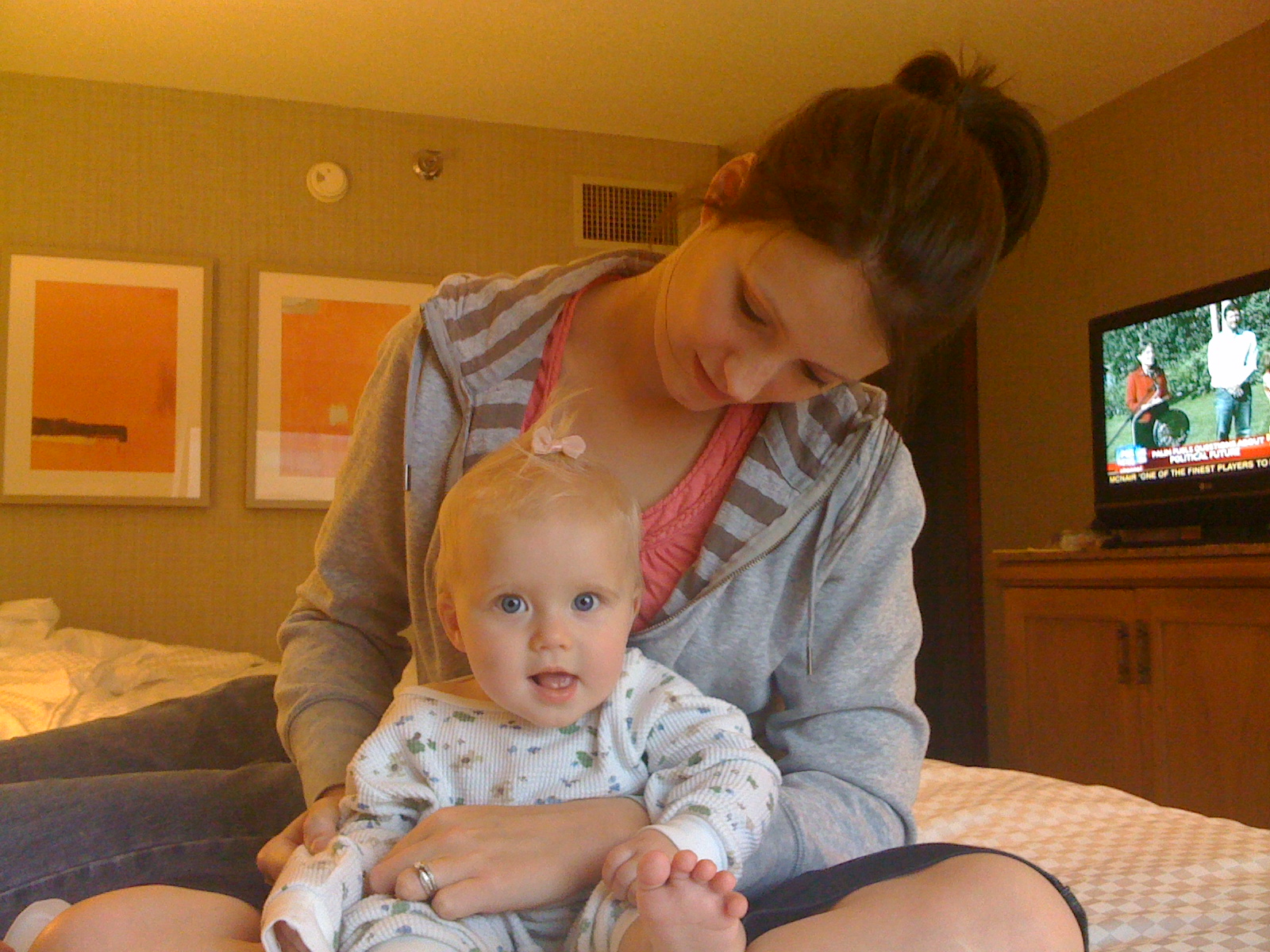
It was a joy to see our granddaughter, Evelyn, and her parents as they joined us from their home in Grand Rapids, Michigan. Here’s a picture of Evelyn after having gotten a hairdo from her mom in our hotel room:

evelyn-hairdo

Lisa and I were also glad to have three of our four parents and five of our six children be with us for this family getaway. We missed Lisa’s mom and our son Jake and wished they were there too, but we were thankful everyone else could make it.

Another highlight was that Joe and Bekah got to play in the National Bible Bowl 3-on-3 basketball tournament, which was held at Conseco Fieldhouse following a Sunday night WNBA game (Indiana vs. Atlanta.) Here’s some footage from the semifinal game, which they lost 15-10.

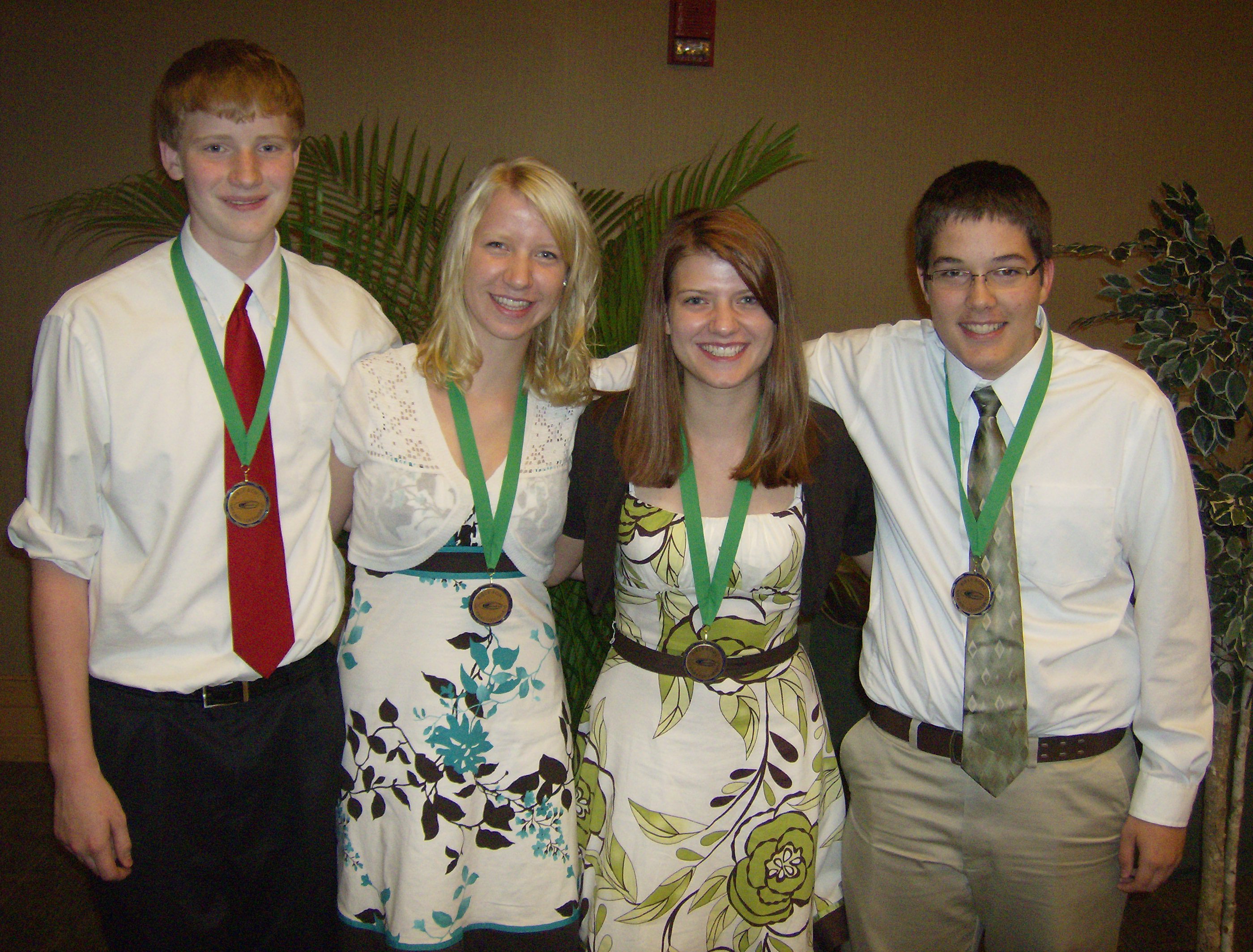
Finally, here’s the Austin Bible Bowl team photo taken after they were awarded their fifth-place medals (out of 120 teams) in the double-elimination tournament.

austinbiblebowl20093

And here’s the story that ran in today’s Austin Post-Bulletin after an editor saw my #biblebowl09 tweets and assigned a reporter.

It was a great few days…but now it’s time to resume our regularly scheduled classes!